May 07, 2019
Tips for Successful Online Meetings (Telecons) [Facilitation Edition]
As remote work has spread, the tips for how to work remotely have gradually started to take shape. I shared a rough summary in my previous entry too.
This time, I want to introduce something inseparable from remote work — the online meeting. Often called a telecon. Back at my previous job at Mistletoe, we ran regular online meetings of dozens of people. Mistletoe had members across multiple sites both in Japan and abroad, and since we’d done away with the office, online meetings became the de facto default lol.
(The news that we abolished the office went a bit viral. For a while, everywhere I went, people would say “I heard you got rid of the office!!” lol.)
Why we abolished the office (Taizo Son)
In such fully-online meetings, the participants matter too, of course — but the facilitator’s role is incredibly important. This is a summary of what I focused on, practiced, felt, and learned when I was the facilitator.
1. Above All, the Stability of the Space
In post-meeting feedback, “it felt nicely stable!” made me really happy — and my own goal for facilitation this time was exactly that: how to make the space feel stable. The original job of a facilitator is to organize the discussion, foster better dialogue, and support consensus-building and mutual understanding. But in a fully remote online meeting, before all that, stabilizing the online “space” itself is a must — that’s where I committed first this time. Next time I’d like to focus more on facilitating the actual discussion.
Below are some of the things I consciously tried in pursuit of that stability.
2. Get the Infrastructure Right
The first thing I obsessed over once I took on facilitation was exactly this — how to build the best possible online meeting room (infrastructure). By “infrastructure,” I mean:
- Stable internet connection
- No background noise
- Good mic audio
- Decent camera quality
(The last two depend partly on hardware, but on a typical PC they’re heavily affected by the connection.)
If any of these four falters even a little, you can’t maintain stable facilitation. The conclusion: cafes are pretty rough. A meeting room or your home — somewhere private — works better. (Though it’s hard to judge yourself, so if my connection wasn’t actually stable, I apologize lol.)
3. Get a Bird’s-Eye View
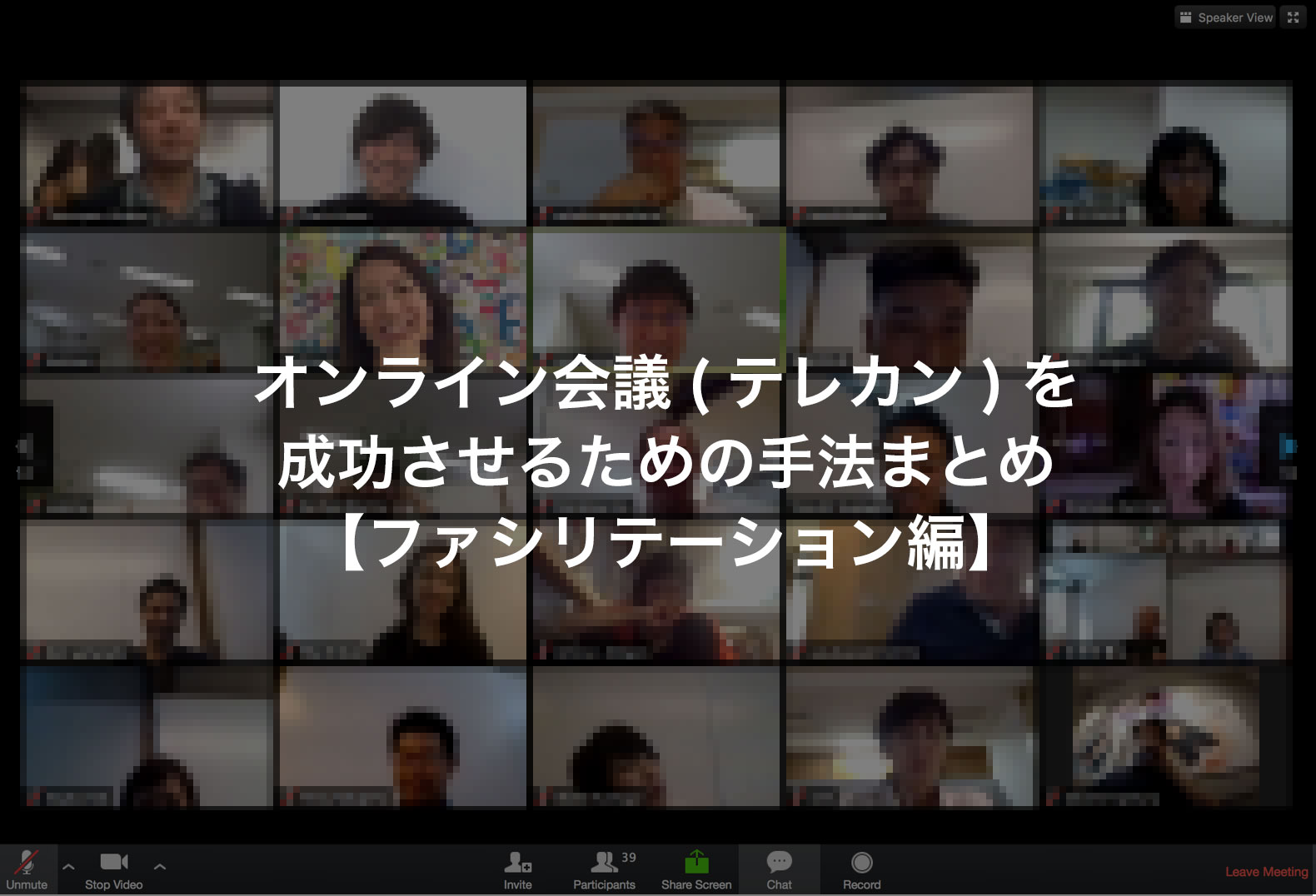
The facilitator absolutely needs to keep an eye on the tiled gallery view (the image pinned at the top) showing everyone. Ideally, other participants do too. Audio is inherently 1:n communication, so the overall mood and groove can really only come through that view.
4. Manage Mic Mute/Unmute
After a few meetings this became a kind of group convention, but as a default everyone but the speaker should be muted. It prevents background noise and feedback. So if someone forgot to mute, you should let them know. Conversely, often someone is speaking but their mic is still off — keep an eye out. I tried using Zoom’s private message but folks don’t really watch it, so calling it out verbally to the whole room might be better. It also serves as a reminder to others. Mic audio is pretty important, so everyone, buy AirPods lol. And please, no more wired-headphone rustling noise lol.
5. Encourage Cameras On
Voice-only conveys less than seeing a face, so encourage people to turn on their cameras. Of course, if it destabilizes the connection, tell them they can also turn it off. Prompting during the idling minutes before the meeting starts works well. On the flip side, if someone is in motion and can’t speak, treating it as “radio mode” and turning off both camera and mic is also fine. In that case, dropping a comment like “Kamei radio-only” in the group chat is helpful. (Reasons include “no makeup,” “my room is messy,” etc.)
6. Lead with Gestures Yourself
This was an idea from a colleague — let’s use hand gestures aggressively. It’s good for the facilitator to take the lead. There’s usually almost no verbal response to a facilitator’s prompts, so leading with your own gestures helps make things feel more reassuring lol. Thumbs up for “good,” arms above your head in a circle for agreement, an X across the chest for disagreement, etc.
7. “Go Ahead” for Sudden Speakers
For discussion to flow smoothly, it can be better for people to jump in as they like. But with voice alone, it’s often hard to tell instantly who’s speaking. Even staring at the screen, it’s surprisingly hard to notice (there’s a yellow highlight, supposedly…). So having the facilitator add a name — like “Go ahead, Tanaka-san” — helps everyone identify the current speaker and reduces stress. (You could even institute a rule of “say your name when you start, and ‘over’ when you finish.”)
8. Don’t Miss the Subtle Cues
If you observe everyone closely, you’ll catch moments when discussion heats up where someone looks like they want to speak. They might raise a hand, raise it then pull it back, try to speak but stop when they collide with someone else… Especially in those moments, you need to direct traffic carefully. Wanting to speak but not being able to, missing your moment — that’s a quietly stressful experience for participants, so noticing those subtle cues makes a real difference.
9. Try to Get Everyone to Speak
This gets harder as numbers grow, but with about 30 people the bar isn’t too high — worth committing to. Through check-in, discussion, and check-out, making sure no one goes the whole meeting without speaking is one mark of facilitator skill, I think. This time I didn’t allocate enough check-in/check-out time, so I didn’t pull it off.
10. Get Seated Earlier Than Anyone, Set the Tone
Get into the meeting room before anyone else, chat with the early arrivals before the start time, and set the mood for the space. For reference, our total participants this time landed around 40. So waiting 2–3 minutes after the start, and beginning check-in when about 30 had joined, might be a good rhythm.
11. The Monologue Technique? Beating Silence
Once I started facilitating, I noticed: after I finished speaking, there was more silence than I expected lol. So you really need the radio DJ / live-stream host technique of teeing yourself up and resolving your own setup. (I’d love to watch a pro facilitate a multi-person online meeting once lol.) Also, since everyone’s muted by default, the facilitator should proactively give little verbal “uh-huhs” and comments to avoid pure silence. Could also be noisy though, so within reason…
12. Speak Clearly and Carefully
No matter how good the facilitator’s environment is, if participants’ environments are unstable, audio cuts out and becomes hard to follow. So I felt you should speak slower, louder, and more clearly than usual. Be calm and deliberate. Online or offline, this is a personal challenge for me too, honestly…
13. Show Your Personality as Facilitator
I’m still working on this one. Through several meetings, I noticed the temperature of the meeting changes with the facilitator. If the facilitator is tense, the room is tense. If the facilitator is upbeat, everyone’s energy rises. Also, an online-meeting facilitator inherently takes on a host-like role for that meeting. Like Tetsuko no Heya. As the host, the facilitator is asked to design the room, the space, and the air. So along with the points above, you secure baseline stability, and from there you need to express your personality and design the space. Adding small talk, bits of humor — that’d make for a meeting full of smiles. Choosing the facilitator based on the agenda is also a great problem-solving approach.
A more advanced technique: pick different facilitators depending on the meeting’s purpose. If you want to make quick decisions, give it to an upbeat facilitator. If you want to discuss at depth, give it to someone more measured.
14. Use Slack Effectively Too
Have people who can’t talk, or who don’t need to speak up, or who want to leave quick meeting notes, post in a Slack thread — very effective. It’s like a real-time commentary track on the meeting. As facilitator, it’s also helpful to gauge whether the room is on the same page. After the meeting, having each person give the facilitator feedback on Slack is a good practice.
Finally…
It’s been a while since “work-style reform” was first called for, but only recently does it feel like a real wave of people are working remotely. This time I summarized facilitator-side tips for video meetings in remote work. If you’ve got new ideas like “try this — it’s great!”, please share!
I’ll write a participant-side summary next time too.